VHS Camcorder Troubleshooting Guide
Common VHS camcorder problems and how to diagnose them — tape transport issues, weak playback signal, zoom problems and more.
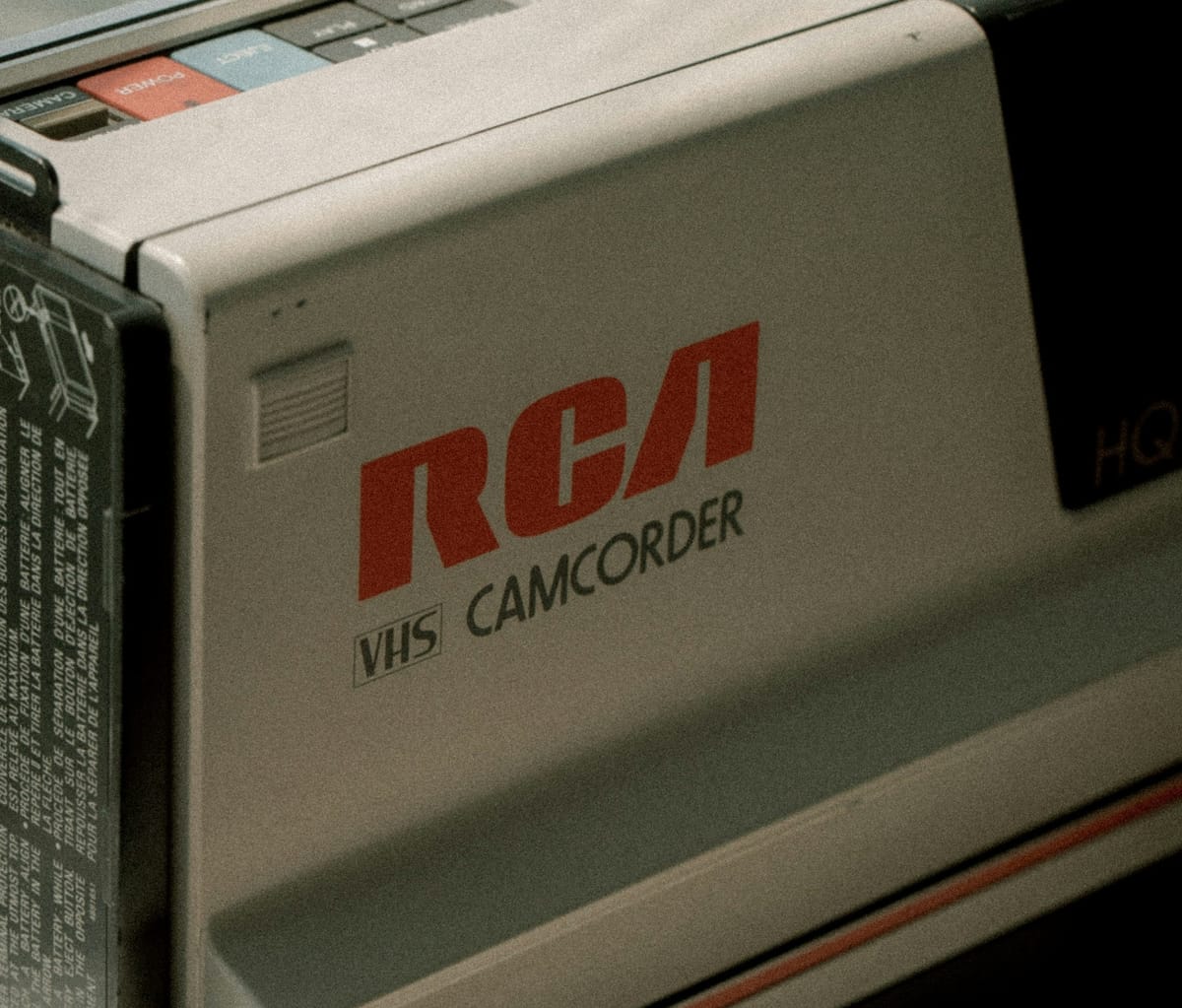
VHS camcorders are remarkably durable machines. But they're also 30 to 40 years old — and age catches up with mechanical components eventually. This guide covers the most common problems you'll encounter, how to diagnose them, and what you can reasonably do yourself.
One important note: VHS camcorder servicing is specialized work. Most issues beyond basic cleaning and belt replacement require a technician with experience in vintage video equipment. This guide helps you understand what's wrong — not necessarily fix it yourself beyond the basics.
Start Here — Check Your Tape First
Before diagnosing any camcorder problem, rule out the tape itself. This is the most overlooked step in VHS troubleshooting and solves more problems than people expect.
VHS tapes degrade over time. Tapes from the 1990s and even early 2000s can cause playback issues, transport errors, and safety mode triggers — not because the camcorder is broken but because the tape has deteriorated. Oxide shedding, sticky shed syndrome, and tape slack are all common on aged stock regardless of whether the tape was ever used.
Always try a fresh, new tape before assuming the camcorder is at fault.
A new tape eliminates the most common variable and gives you a clean baseline. If the camcorder works correctly with a new tape, the problem is the tape — not the camera. If problems persist on a new tape, you can then diagnose the camcorder with confidence.

Tape Transport Problems
Tape transport issues are the most common problem on aged VHS camcorders. The transport mechanism — motors, belts, gears, and sensors — takes the most wear over a camera's lifetime.
Camera goes into safety mode when a tape is inserted
What's happening: The camcorder detects a problem with the tape or transport and shuts down to protect both. Safety mode is a built-in protection — it's the camera telling you something isn't right.
Common causes:
- An old or degraded tape causing transport resistance
- Dirty or worn transport rollers
- A stretched or broken drive belt
- The tape itself is damaged, stuck, or has slack in the leader
- A sensor detecting incorrect tape tension
What to try:
- Try a brand new tape first — this solves safety mode triggers more often than any other fix
- If a new tape works, the original tape is the problem — don't use it again in the camcorder
- If safety mode persists on a new tape, inspect the tape path with the cassette door open for any obvious obstruction or debris
- If the belt is visible and clearly stretched or snapped, replacement is possible with the right part
- If the problem persists across multiple new tapes the transport likely needs professional service
Tape won't rewind or rewinds slowly
What's happening: The rewind motor is weak, the drive belt has stretched and is slipping, or the tape itself is resisting due to age and storage conditions.
What to try:
- Try a new tape — old tapes with tight or sticky oxide can resist rewinding and strain the motor
- Never force a rewind on a struggling motor — you risk damaging the tape and the transport
- Use an external VHS tape rewinder instead of the camcorder for bulk rewinding — this reduces wear on the transport significantly
- If rewind works on a new tape but not old ones, the tapes are the issue
- If rewind is consistently slow on all tapes, the belt is likely slipping — belt replacement is a DIY possibility if you're comfortable with basic electronics disassembly
- If the motor runs but rewind is consistently slow or stops, the motor itself may be failing — professional service required
Tape loads but won't play
What's happening: The transport loads the tape but the playback mechanism isn't engaging correctly. Could be a belt, a worn gear, a sensor issue, or tape resistance.
What to try:
- Try a brand new tape first
- Confirm the camera is fully in VCR/Play mode — not camera mode
- Listen for any grinding or clicking sounds during the load cycle — these indicate mechanical wear
- If the tape loads and the counter moves but there's no picture, the issue may be in the heads rather than the transport

Playback Signal Problems

Weak, fuzzy, or snowy playback image
What's happening: Either the video heads are dirty or worn, or the tape being played is degraded. Both produce similar symptoms.
What to try:
- Try a new tape first — oxide shedding from old tapes coats the heads and degrades the image. A new tape both tests the heads and cleans minor debris
- Run a VHS head cleaning cassette — dry type, not wet. Insert, press play, let it run for 10 to 30 seconds
- If a new tape produces a clean image but old tapes don't, the old tapes are deteriorating — digitize them immediately before further degradation
- If image quality is poor even on a new tape after head cleaning, the heads may be worn — professional replacement required
Playback image has horizontal lines or tearing
What's happening: Tracking is off or the tape being played has tracking information that doesn't match the camcorder's heads.
What to try:
- Try a new tape — old tapes with degraded oxide produce tracking artifacts regardless of camcorder condition
- Look for a tracking adjustment on your camcorder and adjust slowly while watching the image
- If tracking adjustment doesn't help on a new tape, the heads may need alignment — professional service territory
No audio on playback
What's happening: Audio dropout can be caused by a degraded tape, dirty heads, or a loose cable connection.
What to try:
- Try a new tape — audio tracks on old tapes deteriorate separately from video and can drop out entirely
- Run a head cleaning cassette
- Check your AV cable connections — a loose RCA plug on the audio channel produces exactly this symptom
- If audio is missing on all tapes with all cables confirmed connected, the audio circuit may need service
Zoom Problems
Zoom is slow, stuttering, or stops mid-range
What's happening: The zoom motor is weakening or the zoom mechanism has developed friction from dried lubrication.
What to try:
- Test the full zoom range slowly — if it moves at all, the motor is still functional but weakening
- Working the zoom back and forth repeatedly can temporarily redistribute remaining lubrication
- A zoom that stops completely or makes grinding sounds needs professional service
Zoom works but is noisy
What's happening: Dried lubrication in the zoom mechanism is causing friction and noise.
What to try:
- If the zoom still moves through its full range without stopping it's usable — monitor for progression
- Professional cleaning and lubrication can resolve this before it becomes a full failure
Power & Battery Problems
Camera won't power on
What's happening: Most likely the battery is dead — this is expected on every unit of this age.
What to try:
- Connect the AC adapter and try powering on from wall power — if it works, the battery is the issue not the camera
- No power from AC on a known good adapter indicates a power circuit issue — professional service required
Battery drains immediately
What's happening: The original battery has lost its ability to hold a charge. This is universal on camcorders of this era — not a defect.
What to try:
- Replace with a compatible modern equivalent — search by your specific model number
- Use a dummy battery adapter for AC operation during digitizing sessions
When to seek professional service
Some issues are beyond reasonable DIY repair:
- Complete tape transport failure after trying new tapes
- Worn or misaligned video heads
- Failed zoom motor
- Power circuit problems
- EVF display failure
VHS camcorder repair is a specialized skill. Look for technicians who specifically advertise vintage video equipment repair. Online communities like VideoHelp forums are good resources for finding qualified technicians and sourcing parts.
Prevent problems before they happen
- Always use fresh tapes — never test a camcorder with old or unknown tape stock
- Run a head cleaning cassette before and after extended use
- Store with silica gel to prevent moisture damage
- Use AC power for digitizing sessions to reduce transport wear
- Fast forward and rewind tapes fully before playback on tapes that have been in storage
- Never leave a tape inside a stored camcorder — the transport can seize around it over time
Shop tested camcorders and digitizing gear
Every camcorder we sell at 1HR Photo Express has been fully tested — zoom, tape transport, playback, and AV output verified before it ships.
→ Visit the 1HR Photo Express store
→ Browse recommended gear and digitizing kits
Presented by 1HR Photo Express — keep analog alive.